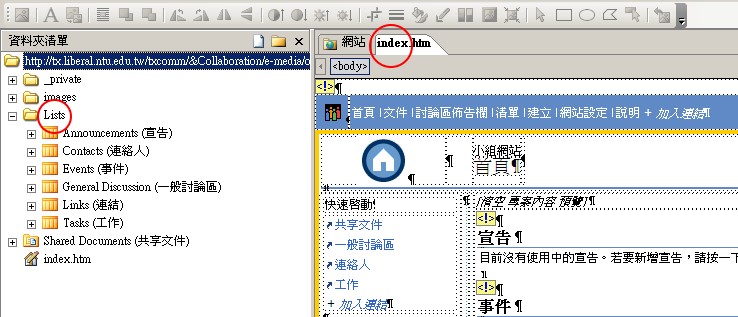
Autonomy Management by Collaborative Workgroups
Go to the Autonomy
Start at the Management Platform, click 'Autonomy' whether in English or in Chinese.
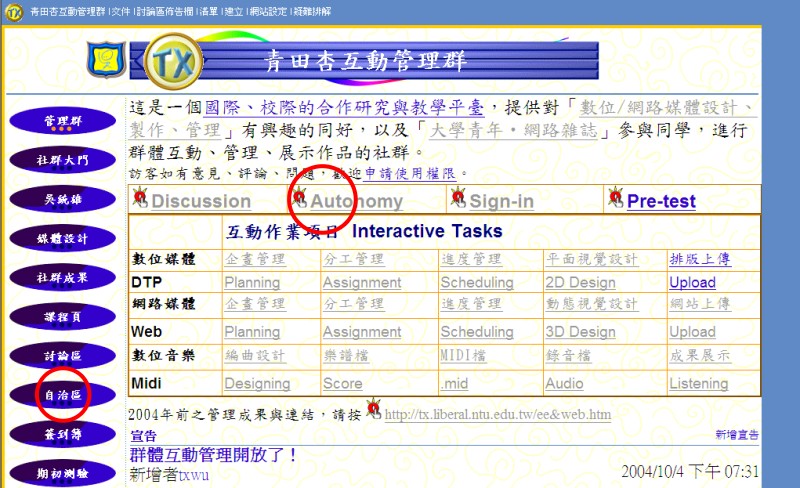
Temporary Entrance
It brings you to the temporary entrance that will become the Page of Contents at the end of your works.
Click the territory of your workgroup.
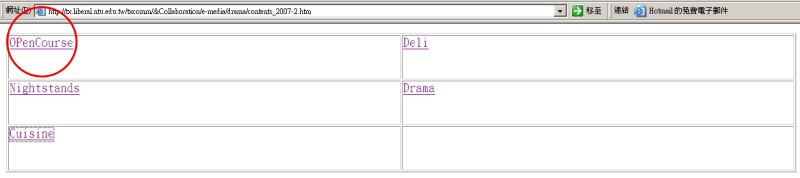
Workgroup Site
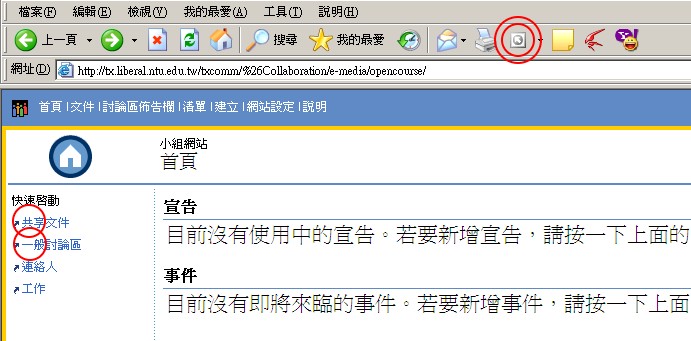
Your site is ready.
Left navigation
1. Documents: your members may exchange files here.
2. Discussion: it is your private forum.
The 3rd is Assignment and the 4th is Scheduling. Since we recommend these 2 tasks to be managed on the 'class level' instead of 'workgroup' level, you may leave them alone, for now.
 Advanced Modification
Use FrontPage
Click the icon of FrontPage on the top of IE.
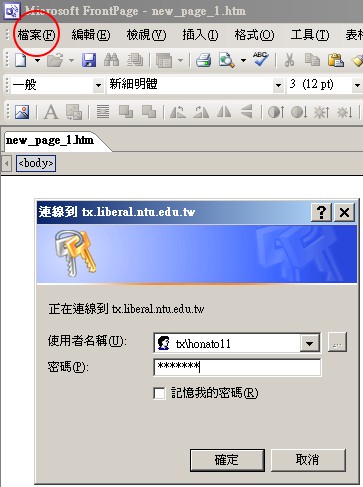
Enter your ID and PW into the dialogue box.
Trouble shooting
 For some
situation, it will not bring you to the correct web on the server, then:
For some
situation, it will not bring you to the correct web on the server, then:
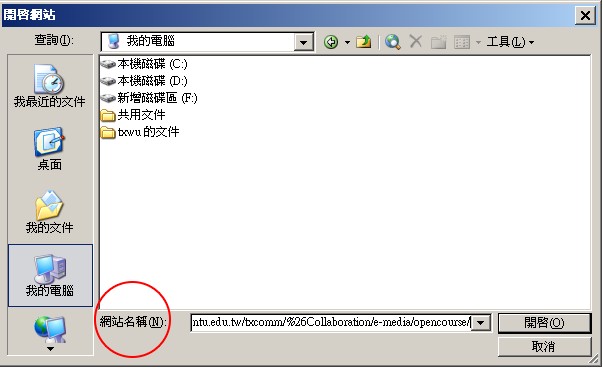
>File
>Open Web
>Enter the URL of your Autonomy, such as
http://tx.liberal.tw/txcomm/opencourse/
Further, Java...late on.