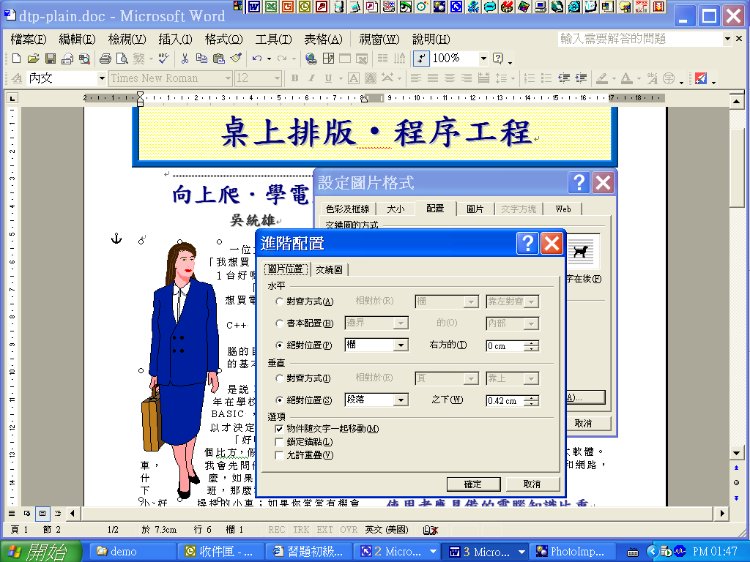
Graphic Editing/Settings
 數位出版設計:圖文框篇-知識美學/數位美學之建構方法
 Word
2013 and after
Word
2013 and after
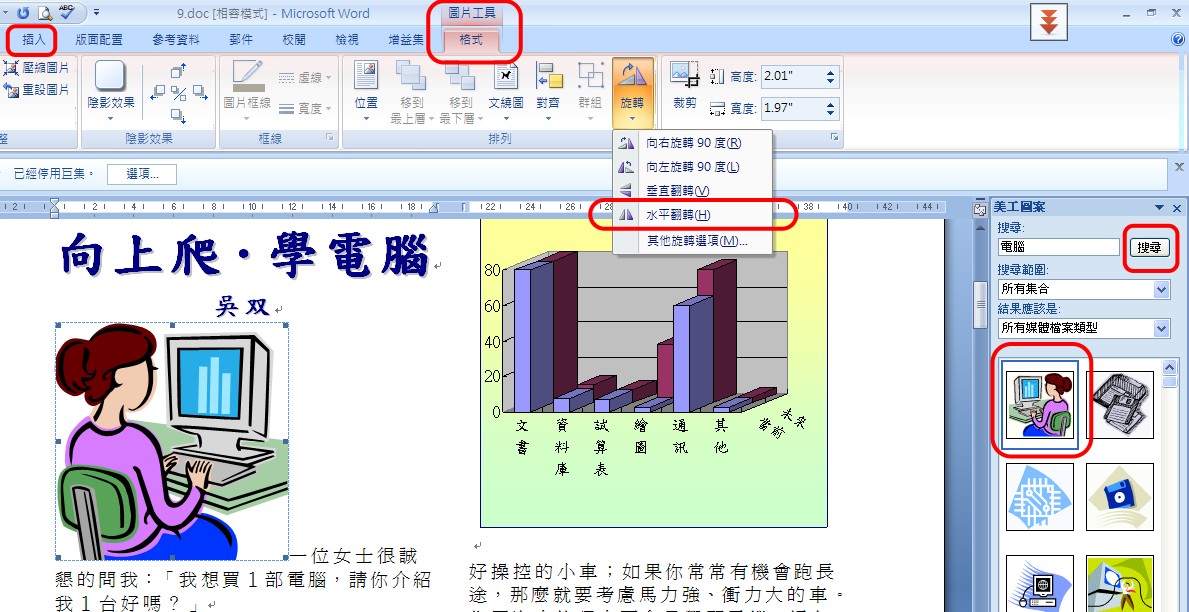
圖片的類型有多種,此處舉一為例。
〉插入〉美工圖案
〉〈圖片工具〉或雙點〉〉圖片
〉旋轉
Word
2007
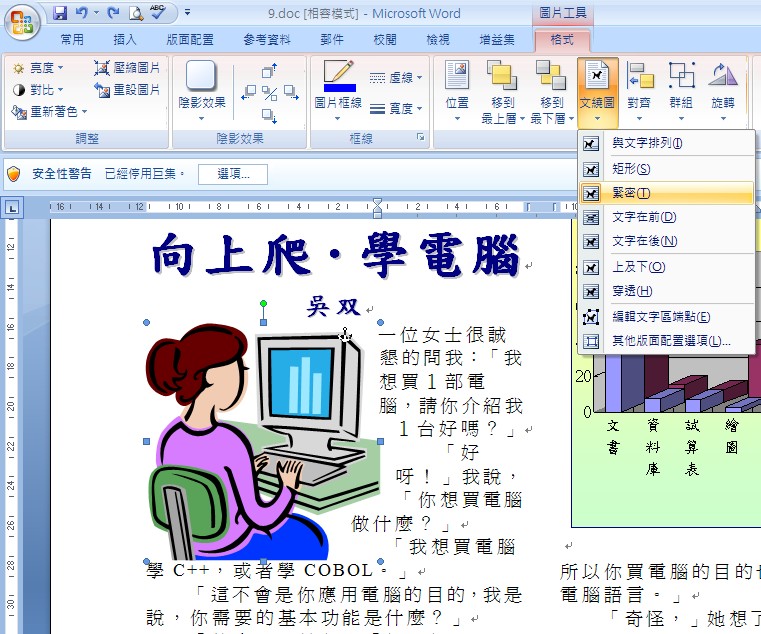
文繞圖(盤文)
自由定位:與文字方塊合用
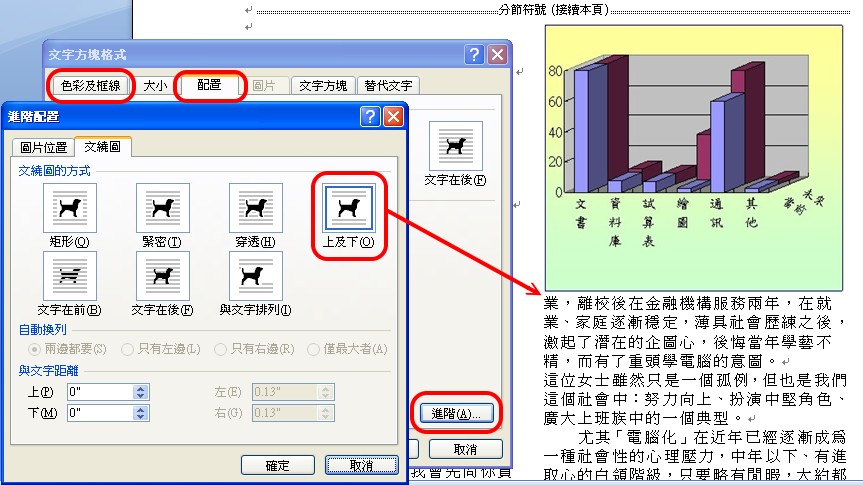
文字方塊可作為各種物件的自由定位工具。
〉插入〉文字方塊
插入〉圖片
右鍵〉文字方塊格式
避免「框頂框」原則:如果圖片已有框,方塊格式就不要框線。
避免「短行盤文」:根據空間比例,決定文繞圖片式。
Word
2003
Insert a relevant and legal graphic.
>Right click >Setting
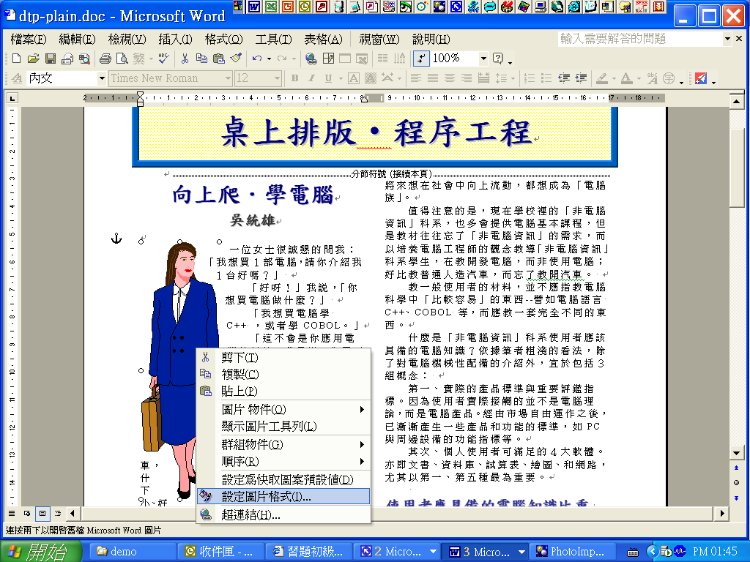
Positioning
Style
Setup alignment styles for graphic (and other objects) such as 'Left', 'Right'.
Advanced Setting
Settings depend on the purpose.