混音與自動化功能
Envelope and Clip
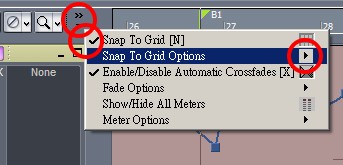
Snap to Grid
Extend the tool bar above the tracks and show the options.
Slip Editing
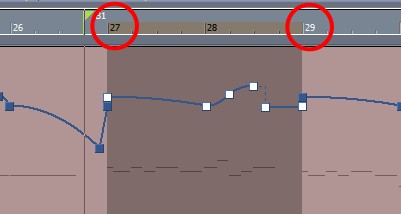
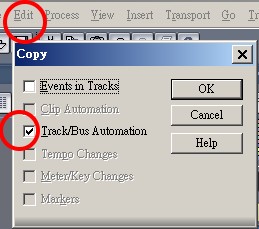
Use the ruler to mark the target area to copy.
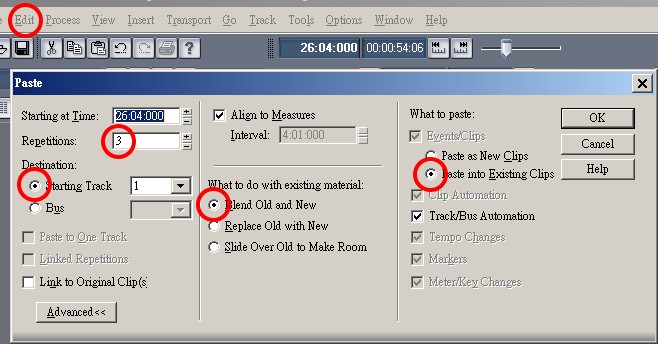
Copying Clips with Drag and Drop
You may use the right click to drag and drop for copying.
However it is easier to trigger wrong actions.
Velocity
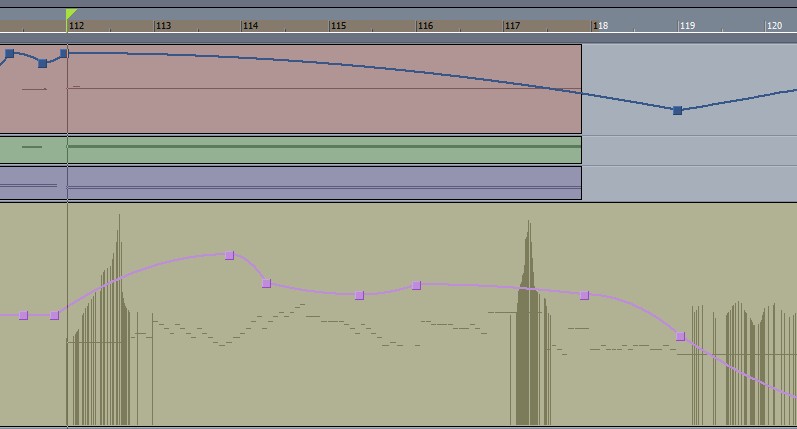
It is a good idea that the add-reduce goes backwards to the melody.
Reason: adding the velocity while the scale goes up in the same time that will produce bleeding sounds.
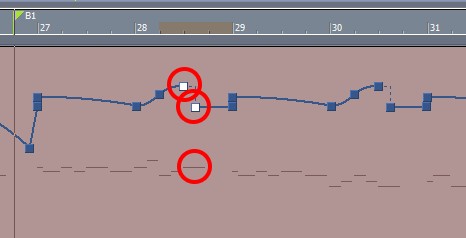
Node Tips
Use >Jump of the node options to create the 'accent' effect.
Volume and Reverb
A counterpoint design of Volume and Reverb will be a good idea to create the extension of space.

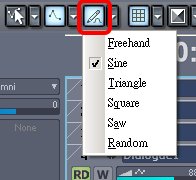
Envelope Draw Tools
If you want to use hand drawing, click this icon.
The icon on the left hand side will show or hide envelops.